Image to 3D Model: Explore Your Reference

Choose a reference image and compare the listed plans. Image and plan selections stay in this browser; this page does not submit a job or create a 3D model.

Compare geometry and surface appearance as separate questions. A metallic color is not evidence of correct structure, and a high count is not evidence of accuracy.

AI 3D Model Generator

Choose an image, describe the shape and compare the plans.

Local planning only
Face Count

↑

Your selected image can be reviewed in the local form.
Compare geometry and surface appearance as separate questions. A metallic color is not evidence of correct structure, and a high count is not evidence of accuracy.

See the Unseen Dimension

Browse the showcase to see how a simple photo becomes a 3D object

Convert 2D drawings and art to 3D models

Click to preview

3D Model

Pro
Generate 3D models from text or images for free

Click to preview

3D Model

Ultra
Generate a 3D model from a single image

Click to preview

3D Model

Ultra
Professional AI 3D modeling with advanced features

Click to preview

3D Model

Ultra
Cartoon isometric 3D corner scene with a treasure chest, wooden desk, books, and a window in warm lighting

Click to preview

3D Model

Pro
Turn a single portrait photo into a fully textured 3D head model

Click to preview

3D Model

Ultra
Fantasy owl warrior wearing samurai armor and an orange hooded cloak

Click to preview

3D Model

Ultra
Red armored sci-fi mecha robot holding a large battle axe against a red gradient background

Click to preview

3D Model

Ultra

Reference Review: Shape and Surface

Use the reference guide to prepare the picture, then review the pricing page. Selecting an image here does not send it to a model provider.

01

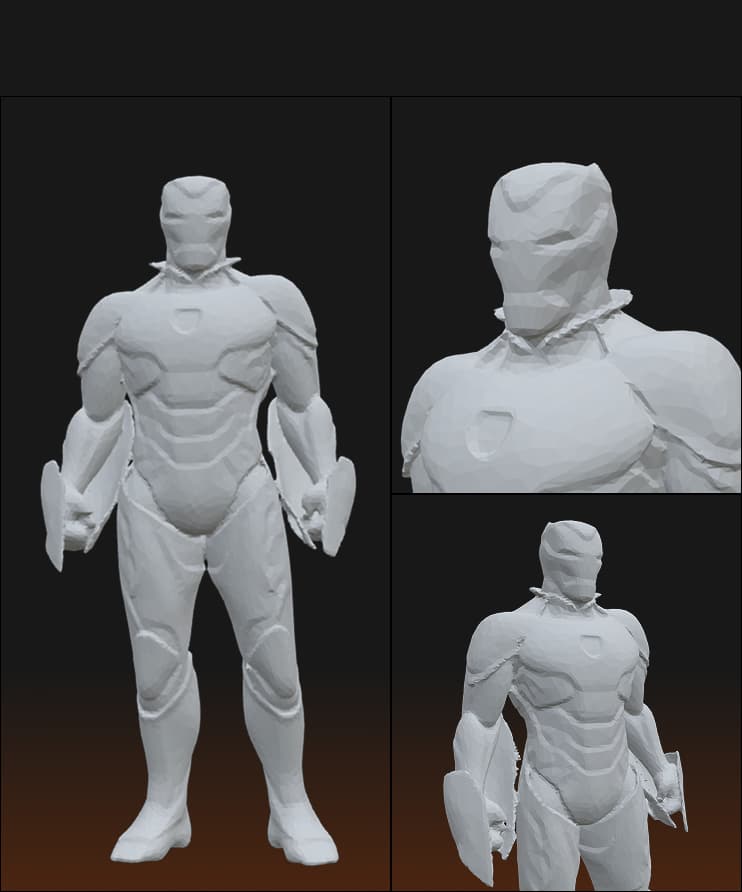
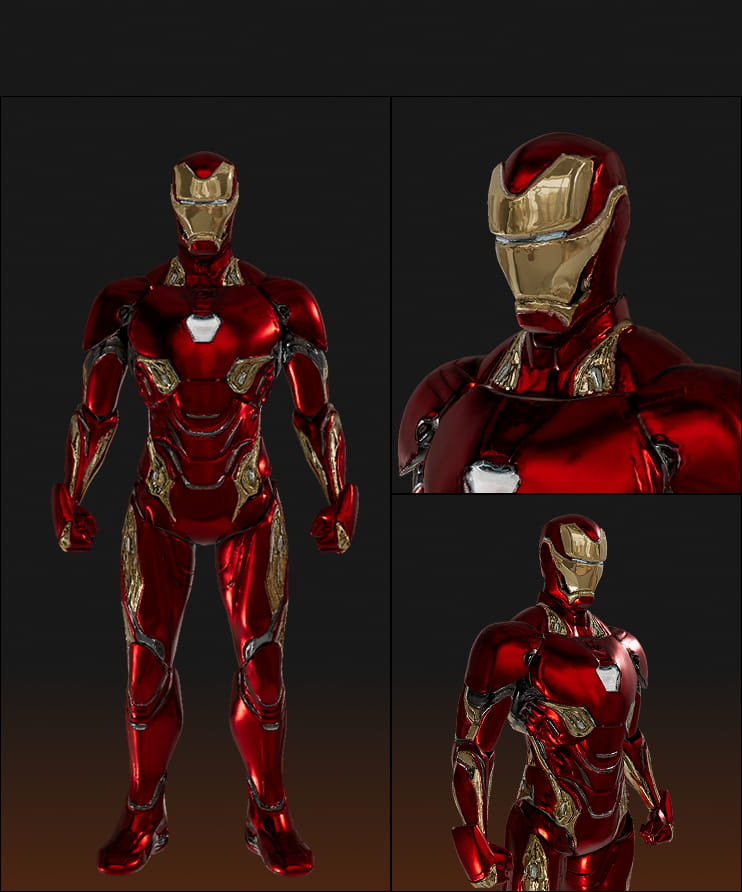
Hard Surface Precision & Reflective Materials

Choose a picture with one clearly framed subject. Keep the whole outline visible and make a note of the surfaces the camera cannot see.

  • Image-to-3D request
  • Structural Deformation: The hands are severely deformed with merged fingers, lacking distinct geometry.
  • Missing Material Properties: No reflection or metallic finish is generated, unlike the surface reference.
Free Version
Shape study
Pro Version
Surface study
02

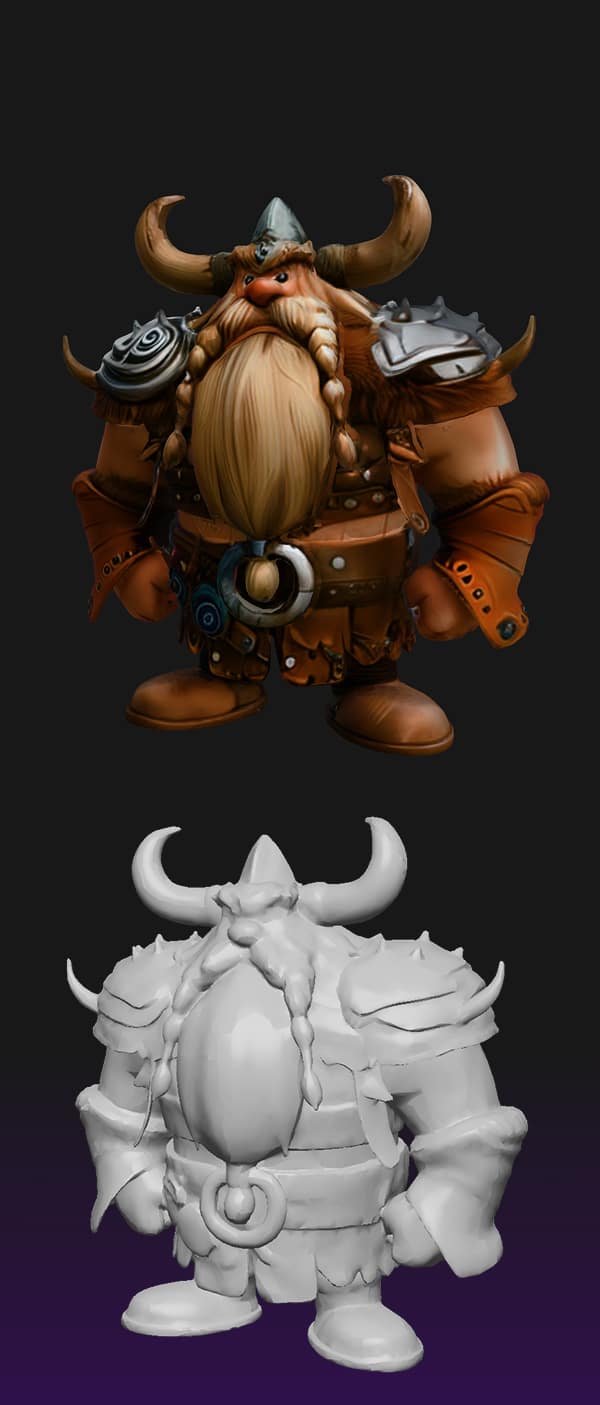
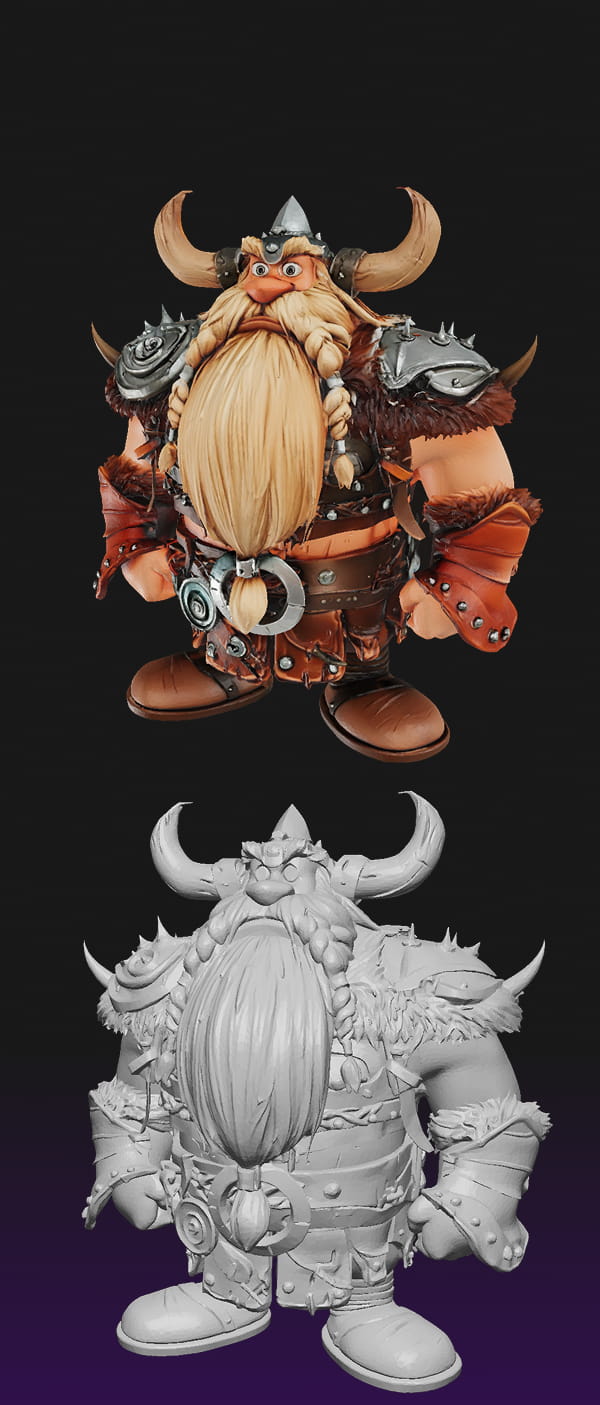
Character Detail & Texture Fidelity

Compare geometry and surface appearance as separate questions. A metallic color is not evidence of correct structure, and a high count is not evidence of accuracy.

  • Blurry Textures: The texture map on the Free version is low-resolution and muddy.
  • Rough Geometry: The mesh lacks definition; the beard looks like a solid block of clay rather than individual strands.
  • Loss of Fine Detail: Intricate details like armor scratches and belt buckles are smoothed over and undefined.
Free Version
Shape study
Pro Version
Surface study
03

Complex Structure & Color Accuracy

Use the reference guide to prepare the picture, then review the pricing page. Selecting an image here does not send it to a model provider.

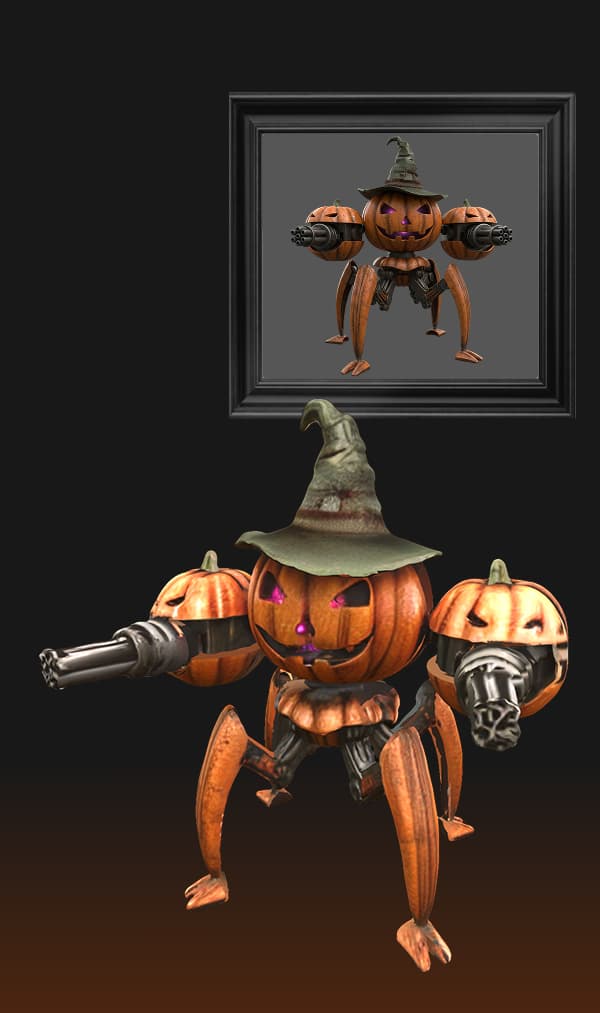
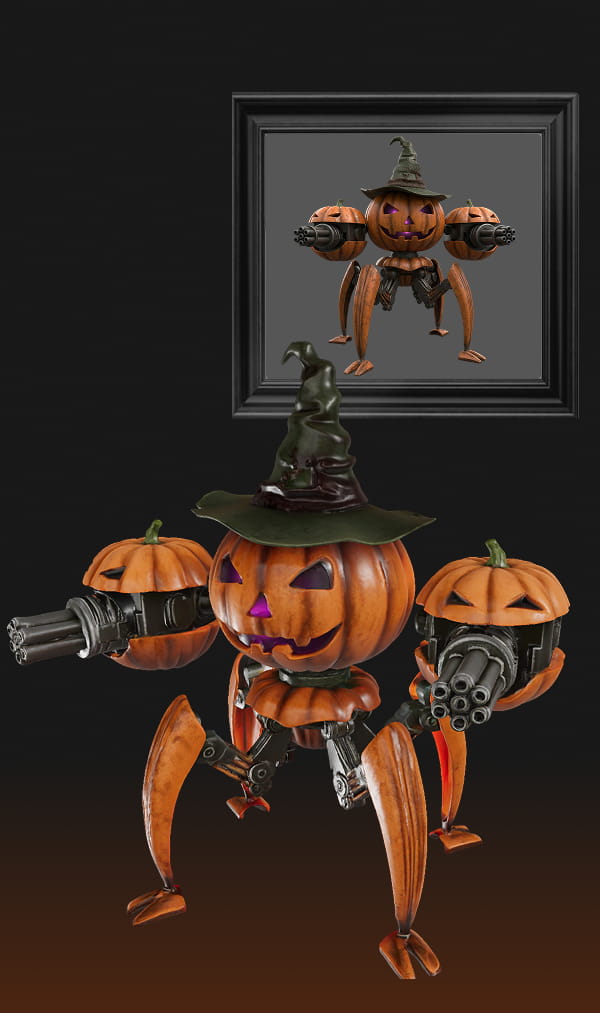
  • Inaccurate Colors: The Free version's texture colors are dull and do not strictly follow the original image's palette.
  • Weak Mechanical Logic: The mechanical legs look like bent, soft tubes rather than rigid joints.
  • Poor Structural Understanding: The connections between the pumpkin and the machine are melted together.
Base Version
Shape study
Pro Version
Surface study
CTA Background

Ready for Professional Quality?

Choose a picture with one clearly framed subject. Keep the whole outline visible and make a note of the surfaces the camera cannot see.

Pro Editor Walkthrough

See it in action

Feature Comparison at a Glance

Compare geometry and surface appearance as separate questions. A metallic color is not evidence of correct structure, and a high count is not evidence of accuracy.

Free
Pro
View plans. Local planning only.View plans. Local planning only.Service availability
Daily LimitsImage-to-3D request Review intended usage
Image-to-3D requestImage-to-3D request Image-to-3D request
Texture SupportReview surface requirementsImage-to-3D request
Model AccessReview a simple briefDiscuss access to Base, Pro & Ultra Models
Geometry QualityDefine geometry criteria🦉 Review detail requirements
Face CountDefine a geometry budgetRequested face-count preference
Advanced Settings🕸️ No adjustable settingsConfirm supported settings
Upgrade to Pro

Use the reference guide to prepare the picture, then review the pricing page. Selecting an image here does not send it to a model provider.

How to Create 3D Models in 3 Simple Steps

Choose a picture with one clearly framed subject. Keep the whole outline visible and make a note of the surfaces the camera cannot see.

Step 1
STEP 1

Upload Your Reference Image

Compare geometry and surface appearance as separate questions. A metallic color is not evidence of correct structure, and a high count is not evidence of accuracy.

Step 2
STEP 2

Adjust Settings & Generate

Use the reference guide to prepare the picture, then review the pricing page. Selecting an image here does not send it to a model provider.

Step 3
STEP 3

Review Your Model

Choose a picture with one clearly framed subject. Keep the whole outline visible and make a note of the surfaces the camera cannot see.

What Can You Explore Here?

View plans. Local planning only.
Image-to-3D request
CTA Background

Review the Scope Before Choosing a Plan

Compare geometry and surface appearance as separate questions. A metallic color is not evidence of correct structure, and a high count is not evidence of accuracy.

Answers You’re Looking For

Do I need to sign up or provide a credit card to use the free generator?

Use the reference guide to prepare the picture, then review the pricing page. Selecting an image here does not send it to a model provider.

    Image-to-3D request

    Choose a picture with one clearly framed subject. Keep the whole outline visible and make a note of the surfaces the camera cannot see.

      Is my data safe with your AI 3D Model generator?

      Compare geometry and surface appearance as separate questions. A metallic color is not evidence of correct structure, and a high count is not evidence of accuracy.

        Can I use the generated 3D models for commercial purposes?

        Use the reference guide to prepare the picture, then review the pricing page. Selecting an image here does not send it to a model provider.

          Image-to-3D request

          Choose a picture with one clearly framed subject. Keep the whole outline visible and make a note of the surfaces the camera cannot see.

            Does the free model include textures?

            Compare geometry and surface appearance as separate questions. A metallic color is not evidence of correct structure, and a high count is not evidence of accuracy.

              Why is the quality/effect of the free model not good?

              Use this area to understand planning choices. This page does not run the named model, validate output quality or grant usage rights. Confirm those details with a provider.

              Why did my generation fail?

              Use the reference guide to prepare the picture, then review the pricing page. Selecting an image here does not send it to a model provider.