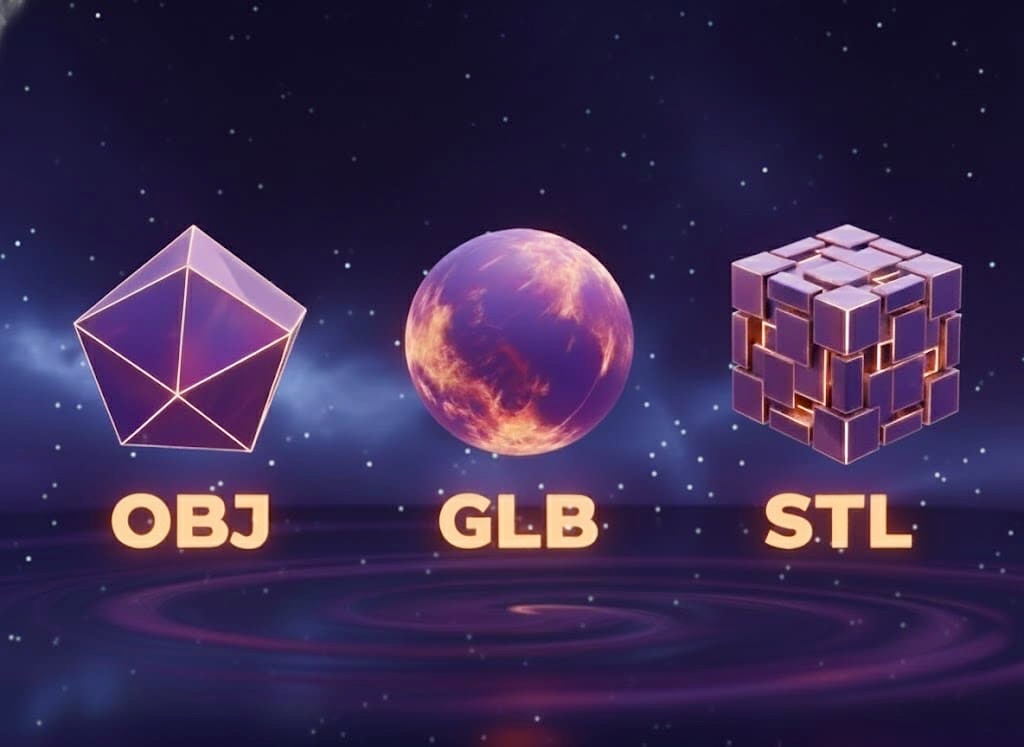


AI 3D Model Generator: Plan from a Clear Reference

Plan your image to 3D workflow with this AI 3D model generator guide: choose a reference image and compare the listed plans. Image and plan selections stay in this browser; this page does not submit a job or create a 3D model.

A useful brief names the object, its intended view and the parts that matter. The goal here is a clearer decision before you choose a service.

Drop an image
Continue

Image in, Model out

Explore an image-to-3D example.

Poster

AI 3D Model Generator

Choose an image, describe the shape and compare the plans.

Local planning only
Face Count

↑

Your selected image can be reviewed in the local form.
Start with the silhouette that makes your object recognizable. Then separate visible evidence from details a future workflow would need to infer.
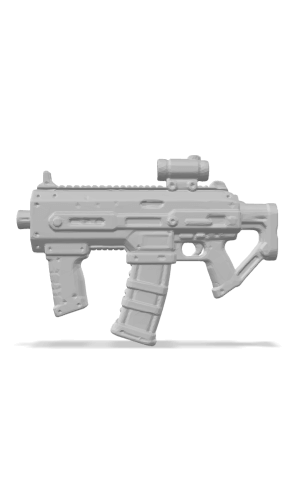
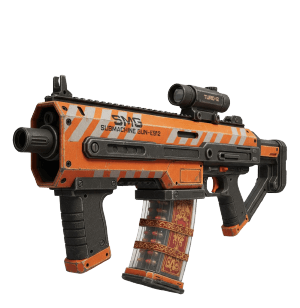
Poster
Generate 3D models from text or images for Trial

3D Model Generator

Start by describing the shape your reference should preserve.

Poster
Convert 2D drawings and art to 3D models

Drawing to 3D Model

Convert 2D art, or digital drawings into 3D assets.

Poster
Generate a 3D model from a single image

Build a Clear 3D Brief

A useful brief names the object, its intended view and the parts that matter. The goal here is a clearer decision before you choose a service.

Poster
Professional AI 3D modeling with advanced features

Plan for Fine Details

Unlock max detail, high-res textures & priority processing.

Poster
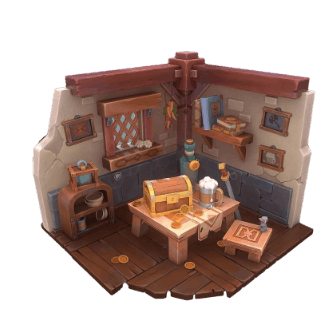
Cartoon isometric 3D corner scene with a treasure chest, wooden desk, books, and a window in warm lighting

3D Education Scene

Create cartoon 3D scenes and learning assets for education.

Poster
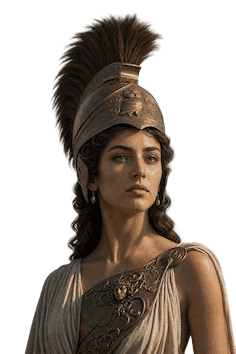
Turn a single portrait photo into a fully textured 3D head model

Portrait Reference Study

Study the face outline and note which angles the picture leaves unseen.

Poster
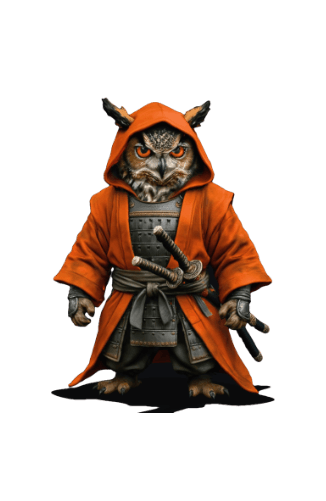
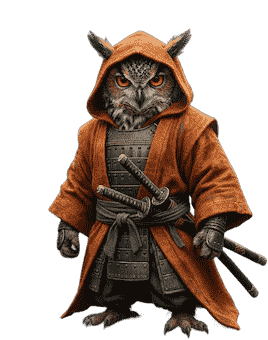
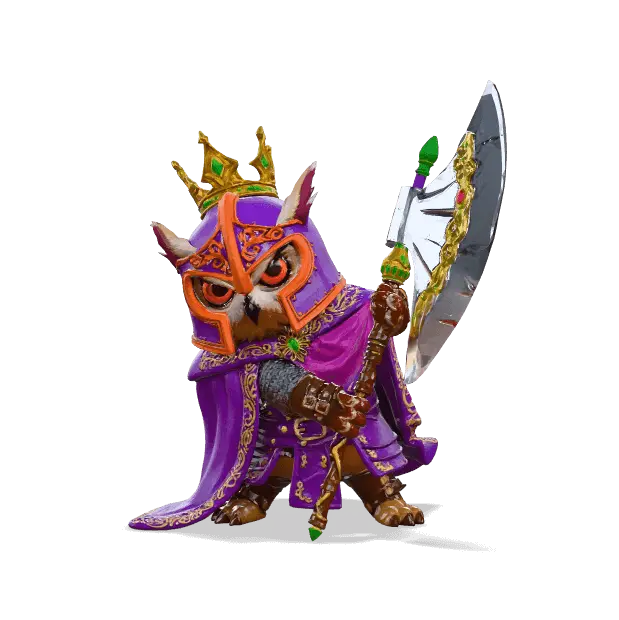
Fantasy owl warrior wearing samurai armor and an orange hooded cloak

Character Reference Planning

Design 3D characters and creatures as character references.

Poster
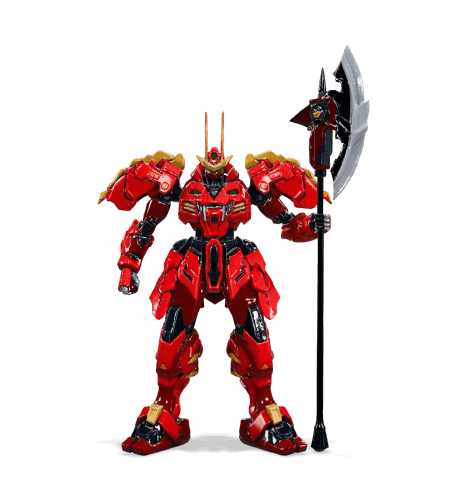
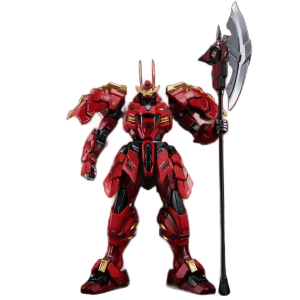
Red armored sci-fi mecha robot holding a large battle axe against a red gradient background

Mechanical Shape Study

Built with Ultra Generator for max detail and shape reference.

Start with Shape, Then Check the Details

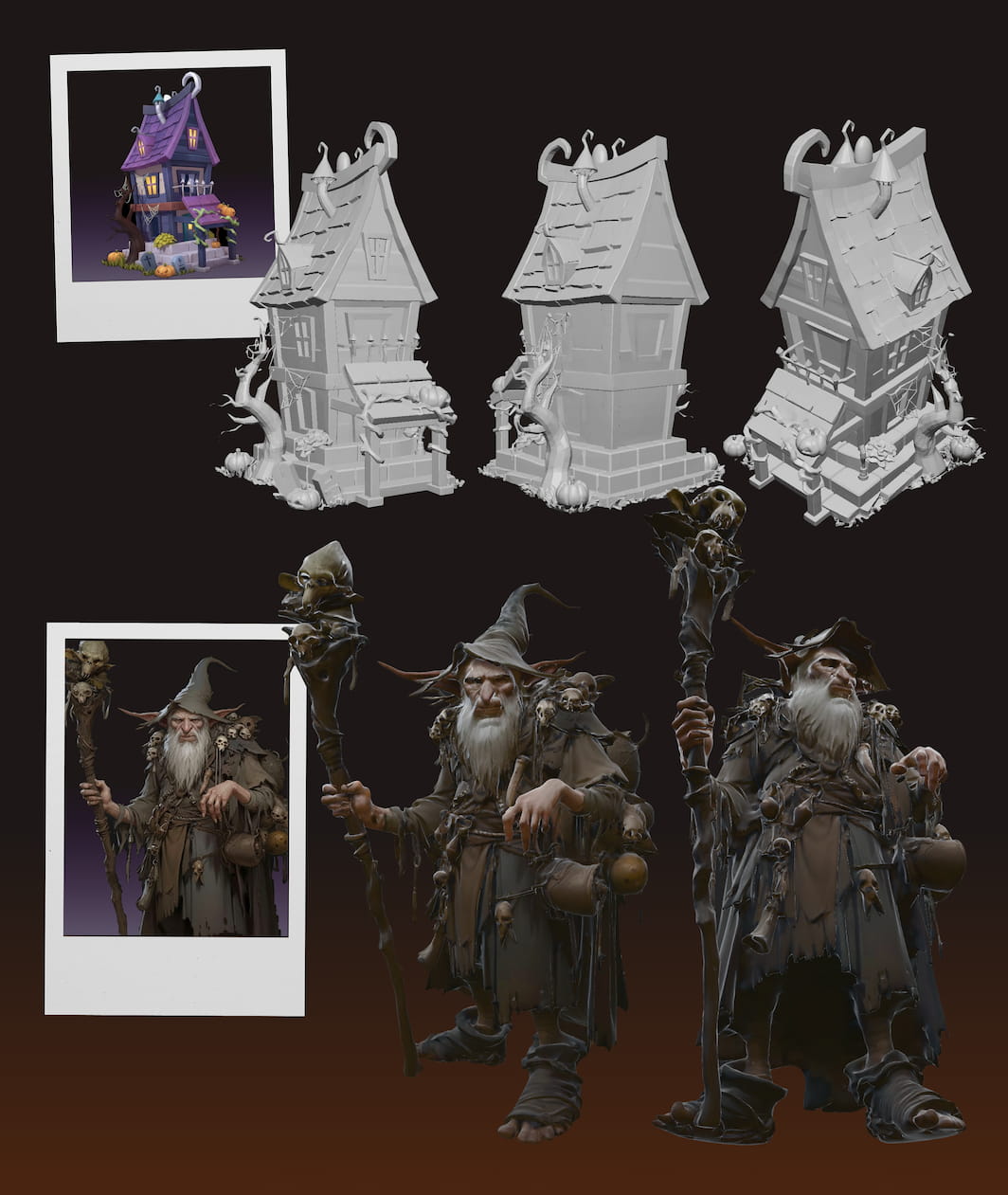
Use the gallery as a visual reference. Inspect the outline, small parts and surface appearance separately; pictures do not establish provider performance.

Review Pro Plans
Cancel anytime•Review plan scope

A Reference-First Approach to 3D Planning

Read the plan scope alongside your reference brief. A plan name does not establish model accuracy, commercial rights or suitability for your project.

High-Precision Reconstruction
Feature 02

Read the Visible Shape

Start with the silhouette that makes your object recognizable. Then separate visible evidence from details a future workflow would need to infer.
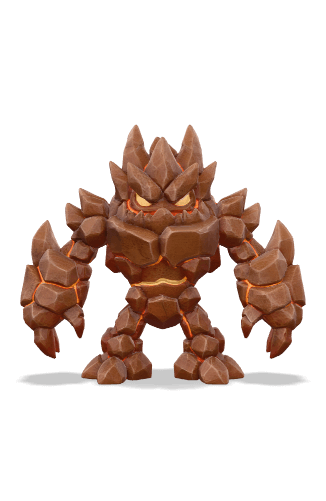
Ultra AI: Optimized for Pro Assets
Feature 03

Set a Clear Review Goal

A useful brief names the object, its intended view and the parts that matter. The goal here is a clearer decision before you choose a service.

High-Fidelity Textures
Feature 01

Separate Surface from Structure

Use the gallery as a visual reference. Inspect the outline, small parts and surface appearance separately; pictures do not establish provider performance.

Model Overview
Feature 04

Model Overview

Read the plan scope alongside your reference brief. A plan name does not establish model accuracy, commercial rights or suitability for your project.

What is an AI 3D Model Generator

Use this area to understand planning choices. This page does not run the named model, validate output quality or grant usage rights. Confirm those details with a provider.
Image-to-3D methods interpret a visible view and infer missing structure. A single picture cannot establish exact dimensions or hidden surfaces. Define the outline, surface appearance and intended use separately, then inspect any future result against that brief. AI 3D Gen Online helps you prepare these choices through local image selection and practical guides.

Plan an Image-to-3D Project in Three Steps

Start with the silhouette that makes your object recognizable. Then separate visible evidence from details a future workflow would need to infer.
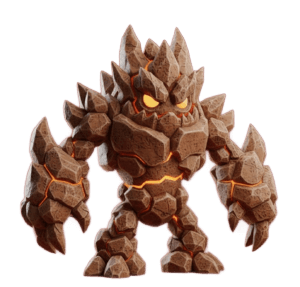
Step 1
STEP 1

1. Choose Your Image

Use one clearly framed subject, even lighting and a quiet background. Check which surfaces the picture actually shows; hidden sides remain uncertain.

Step 2
STEP 2

2. Compare the Plans

A useful brief names the object, its intended view and the parts that matter. The goal here is a clearer decision before you choose a service.

Step 3
STEP 3

3. Review Your Brief

Use the gallery as a visual reference. Inspect the outline, small parts and surface appearance separately; pictures do not establish provider performance.

Zero-Setup Trial

Read the plan scope alongside your reference brief. A plan name does not establish model accuracy, commercial rights or suitability for your project.

A Brief You Can Review

Start with the silhouette that makes your object recognizable. Then separate visible evidence from details a future workflow would need to infer.
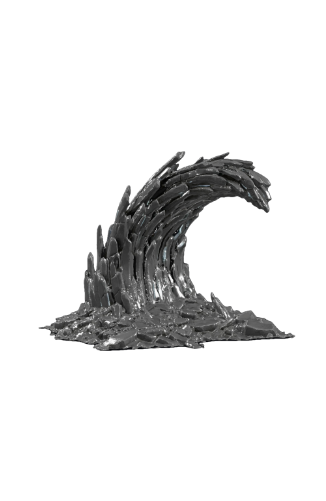
Local Image Selection

Selected images stay in your browser in this flow. Use a reference you have permission to handle; avoid including private information that your project does not need.

Define Your Intended Use

A useful brief names the object, its intended view and the parts that matter. The goal here is a clearer decision before you choose a service.

Core Feature Display

Make Your Image-to-3D Brief Clearer

CTA Background
Ready to Transform

Choose a Practical Next Step

Use the gallery as a visual reference. Inspect the outline, small parts and surface appearance separately; pictures do not establish provider performance.

Read the plan scope alongside your reference brief. A plan name does not establish model accuracy, commercial rights or suitability for your project.

Need Help? Browse Our FAQs

What is AI 3D Gen Online?

Start with the silhouette that makes your object recognizable. Then separate visible evidence from details a future workflow would need to infer.
    Can I explore before choosing a plan?

    A useful brief names the object, its intended view and the parts that matter. The goal here is a clearer decision before you choose a service.

      What are the differences between the 'Base', 'Pro', and 'Ultra' 3D model generators?

      Use the gallery as a visual reference. Inspect the outline, small parts and surface appearance separately; pictures do not establish provider performance.

        What kind of image should I upload for the best results?

        Use one clearly framed subject, even lighting and a quiet background. Check which surfaces the picture actually shows; hidden sides remain uncertain.

          How long does it take to generate a 3D model?

          Read the plan scope alongside your reference brief. A plan name does not establish model accuracy, commercial rights or suitability for your project.

            Image-to-3D request

            Start with the silhouette that makes your object recognizable. Then separate visible evidence from details a future workflow would need to infer.
              Do I need to install any software?

              A useful brief names the object, its intended view and the parts that matter. The goal here is a clearer decision before you choose a service.

                Is my data secure? Will you use my uploaded images?

                Selected images stay in your browser in this flow. Use a reference you have permission to handle; avoid including private information that your project does not need.

                  Plan your next step

                  Prepare your reference and decide how much geometric detail your scene needs.